Internet Options for Digital Nomading
Overview

When I first started digital nomading, I was nervous about having reliable internet access that was strong enough for conference calls while I was halfway across the world. I did extensive research to prepare for every possible scenario. I looked into portable Wi-Fi options, co-working spaces, eSIMs, and local SIM cards.
Each option had its own pros and cons, and I made different plans based on what was best for each country where I worked. The following guide breaks down internet access options for digital nomads and remote workers abroad to help you decide which setup is best for you and where you’re staying.
Internet access requirements vary widely for digital nomads depending on the type of work they do. I work as a consultant with several clients that I meet with weekly. While the majority of my work is asynchronous, I still needed a reliable internet connection during scheduled meetings and any additional calls throughout the week. I’d describe my internet needs as moderate—I don’t necessarily need high-speed internet for most of my work, but I do need reliable access.
My first long-term stint as a digital nomad was in Bucharest, Romania. Bucharest has 4G coverage, and my apartment’s internet connection was just strong enough to handle video calls. While I felt confident that I could work remotely there, I still wanted a few backup options. I relied on my apartment’s Wi-Fi, as well as a hotspot on my phone using an international data plan through Google Fi.
If your work involves heavy data usage—such as uploading large files or working with large datasets—having an internet connection strong enough to work effectively may be difficult or costly, especially in countries where stable internet is less common. For example, in Morocco, high-speed internet is available (particularly in metropolitan areas like Rabat and Marrakesh), but it can be expensive and you may need to budget accordingly.
Mobile Data Options
Whether you’re a digital nomad or not, if you’re traveling abroad and don’t have international data included in your phone plan (for example, Verizon or T-Mobile premium plans or a pay-by-the-day international data add-on), I highly recommend arranging some form of international data before you leave.
Before you purchase mobile data, you need to make sure your phone is unlocked. If your phone is locked—meaning it only supports your current carrier—you’ll need to contact your carrier to unlock it. Eligibility for unlocking a phone varies by carrier, but generally the phone must be paid off in full and your account must be active and in good standing for 60–90 days.

The unlocking process can take up to 48 hours, so be sure to allow ample time before traveling.
Once your phone is unlocked, you’ll have access to a wide range of international data plans. Depending on your needs, there are plenty of affordable and reliable options, including both physical SIM cards and eSIMs. I currently use an international eSIM (Orbit Mobile’s 30-day, 10 GB global plan), but I’ll cover other options and the pros and cons of each below.
Final note: if you need to hotspot from your phone to another device, make sure the plan you choose allows tethering and isn’t “mobile data only.”

Local SIM Cards
Local SIM cards are purchased in your destination, either from the airport (where prices tend to be marked up) or from vendor stands/shops around town. Prices for local SIM cards vary widely by region, but they can be cheaper than eSIMs, particularly in countries like Turkey or Morocco, where the cost of living is generally lower.
Choosing a local SIM does mean that until you purchase the card and set it up, you won’t have access to data (and keep in mind that if it’s an eSIM, you’ll also need a stable internet connection to install it). When I did this, I was able to get by using free Wi-Fi in public places like airports and trains.
However, this was stressful for me, so if you’re someone who gets anxious while in transit, I recommend supplementing with a small eSIM (Jetpack often has deals on 1 GB global eSIMs for around $1, which I’ve used while waiting for access to a country-specific SIM).
If you’re staying in one country for an extended period, getting a local SIM card may be a more cost-effective option for data coverage. Local SIM card options vary by country, but you can typically choose between a physical SIM and an eSIM. Check whether your phone model supports dual SIM capability (most newer models allow dual eSIMs or one physical SIM and one eSIM at a time), as this makes it easier to switch between your regular number and a data SIM abroad.
I personally prefer eSIMs for convenience, but if your phone supports dual physical SIMs (for example, certain Samsung Galaxy models do, while the vast majority of Apple phones do not), you may find better deals on physical SIM cards depending on your location.
For example, in Europe, Vodafone is popular due to its wide coverage and extensive network of physical stores. I used Vodafone while living in Italy for a month, and I personally found it a bit unwieldy as someone from outside the EU (accessing the app was impossible without an Italian ID number, which I didn’t have as a tourist). This meant that while I could buy data and use it for the 30-day duration, I couldn’t top up my plan, check how much data I had left, or purchase another SIM online—I had to visit a Vodafone store in person every time.
So while local SIMs are definitely an option—I don’t personally prefer them—if you’re staying in one country long-term with little (if any) travel outside of it, they may be worth considering.
International SIM Cards
Unlike a local SIM, international SIM cards can be purchased and set up before you arrive at your destination. They are prepaid SIM cards that you can buy online or in retail stores like Best Buy or Target. They are typically more expensive than local SIMs, but they’re convenient if you’re not staying in one country or region.
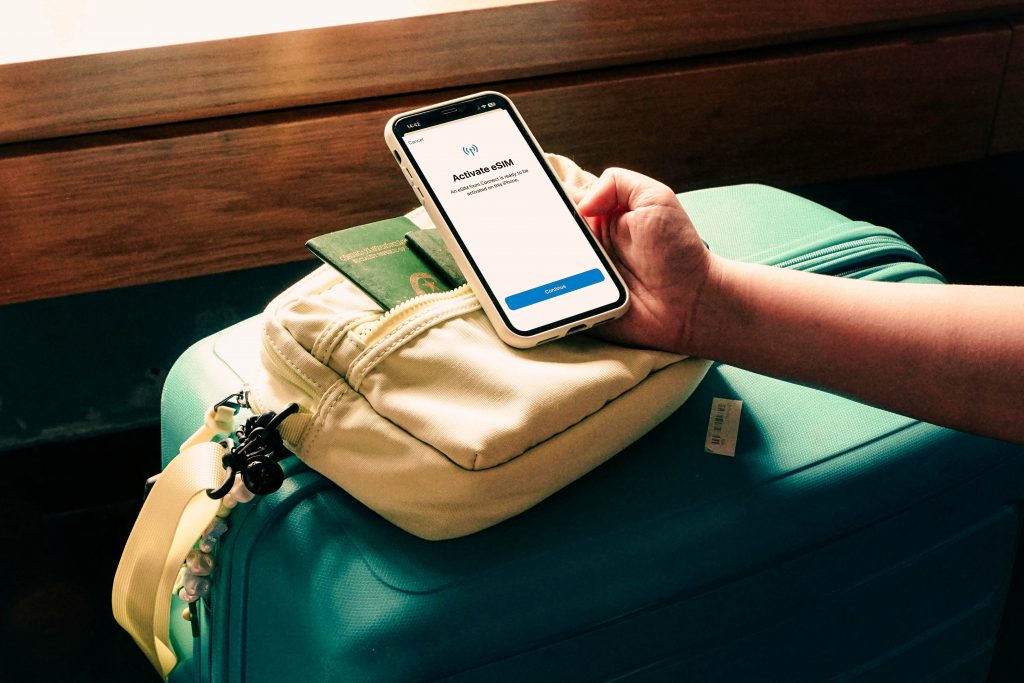
The main advantages of international SIM cards are that you can set them up before arrival and, depending on the provider, they often work globally or by region (for example, Europe or Asia), so you don’t have to worry as much about switching SIMs when crossing borders.
eSIMs (Airalo, Nomad, Holafly, etc.)
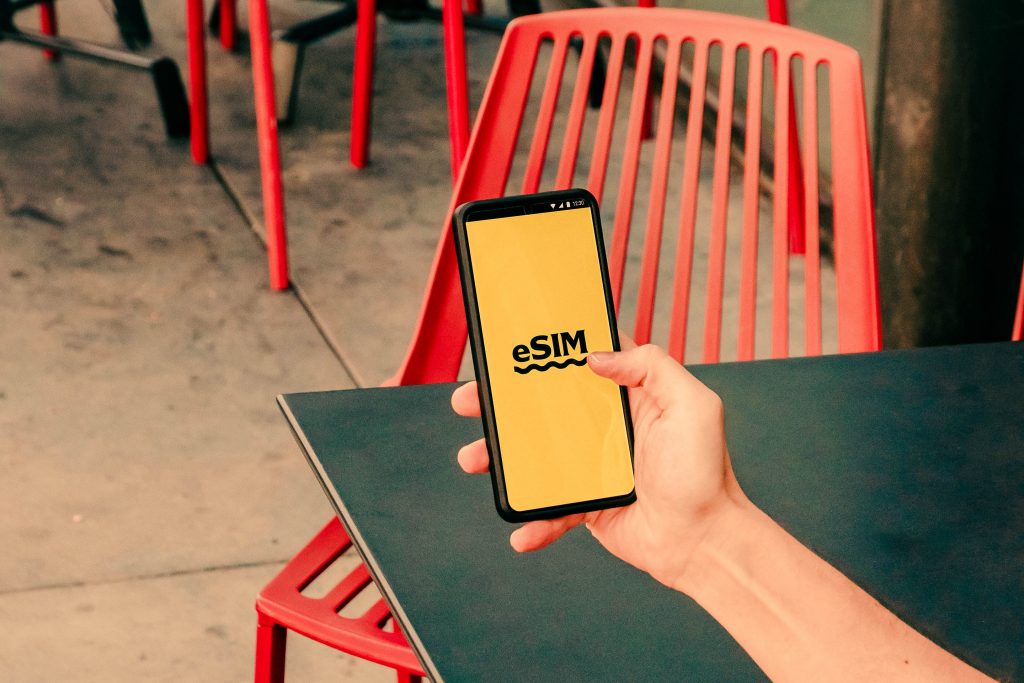
An eSIM is a digital SIM that can be programmed directly into your device without the need for a physical card. They are becoming increasingly popular, and newer phone models often use eSIMs, forgoing physical SIM cards altogether. For example, U.S.-based iPhone 14 models and newer exclusively use eSIMs and no longer include a physical SIM slot.
eSIMs are, by far, the most convenient option for international travel. There are a huge number of providers and a wide range of plans to suit different needs, including unlimited data options (though these tend to be quite pricey).
That said, eSIMs—especially those offered by budget carriers—can be more limited when it comes to speeds and coverage. Even unlimited data plans often have daily or monthly usage limits, after which download and upload speeds are throttled.
I’ve been using Orbit eSIM for about six months while traveling through Europe, the Middle East, and the United States. They have an app that lets you access your plan, see how much data and time you have left, and queue new plans for when your current one runs out. They sell plans based on data amount and location, with options for global, regional (for example, the Middle East or Europe), or country-specific coverage (such as the United States).
I’ve used all three types of plans and haven’t had any major issues with coverage. The only issue I’ve run into is that when a plan expires, I sometimes have to restart my phone before the new one takes effect. That said, Orbit is affordable, allows mobile tethering, and frequently runs member sales, making their eSIMs even more budget-friendly. While their speeds aren’t the fastest, I’ve had no issues using data for streaming or video calls on my phone, and hotspotting has worked reliably as well.
I recommend having an eSIM, at the very least, as a backup while traveling. It provides peace of mind, and depending on the provider and plan you choose, it can be a very affordable safety net.
Portable & Shared Internet Solutions
Pocket Wi-Fi (MiFi) Devices and Mobile Hotspots
Pocket Wi-Fi devices (also known as MiFi devices) are portable, usually battery-operated routers that create a private internet connection using cellular data via a physical SIM or eSIM. They generally offer more stable internet connections and support more devices than a traditional phone hotspot. Using a MiFi device also helps preserve your phone’s battery life, since hotspotting can quickly drain even high-end phones.
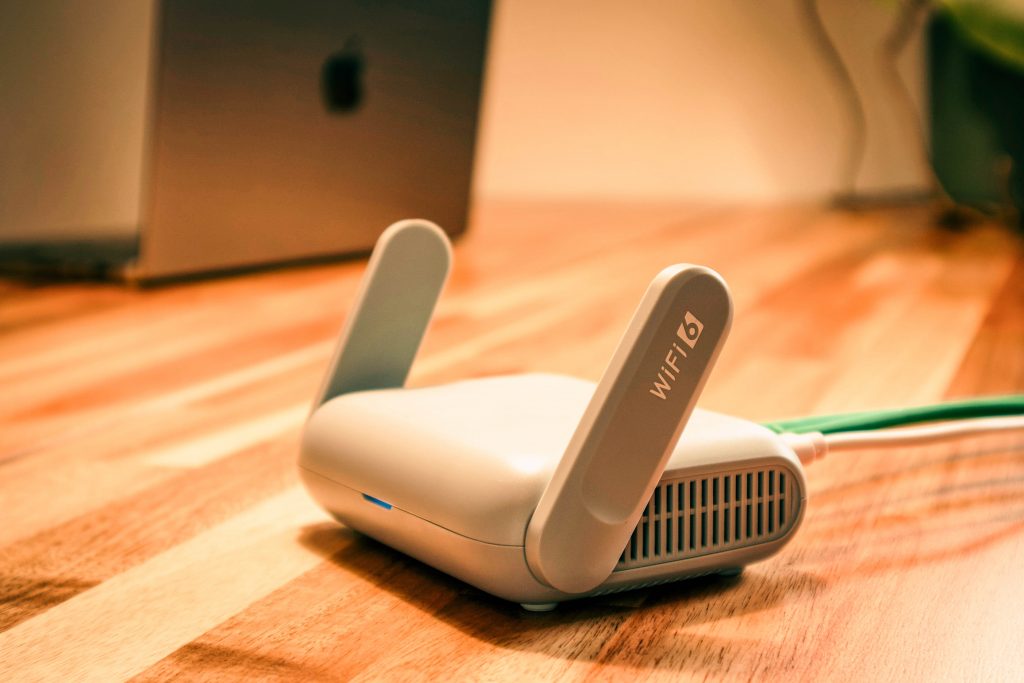
MiFi devices with international capabilities can be a great option for ensuring consistent, reliable internet access while working abroad—especially if you’re traveling with more than one person. However, MiFi devices can be expensive, both in terms of the upfront device cost and the data plans required to use them.
You can either buy a MiFi device outright or rent one short-term. I’ve heard from other travelers that renting a Ninja Pocket Wi-Fi device in Japan—picked up at the airport and returned by mail—worked well, though it was pricey. That said, I’m generally wary of rentals, and the options I’ve seen are often expensive enough that if you’re traveling long-term, it usually makes more sense to buy the device outright.
For reliable pocket Wi-Fi devices (not including data plans), I’ve seen well-reviewed options in the $200–$300 range, with high-end models reaching $2,000 or more (Netgear, for example, offers models priced above $1,200).
For reliable pocket Wi-Fi devices (not including data plans), I’ve seen well-reviewed options in the 200-300 USD range, with high-end models reaching 2000 USD or more (Netgear, for example, offers models priced above 1200 USD). Netgear also offers the M7 model for around 500 USD, but it relies on eSIM plans managed through their app, and pricing isn’t listed publicly—which would make me cautious.
Although I haven’t tried it personally, I’ve seen consistently positive reviews for the Solis Pro 5G hotspot, which costs around 300 USD and includes 1 GB of free global data each month, plus an initial 12 GB upon purchase. It’s powered by SIMO, which offers reasonably priced data plans, including both U.S.-based and global options.
If I were to invest in a MiFi device, this is the option I’d choose to keep myself from breaking the bank with the added benefit of a monthly 1 GB data allowance as a built-in backup.
Phone Tethering (Mobile Hotspotting)
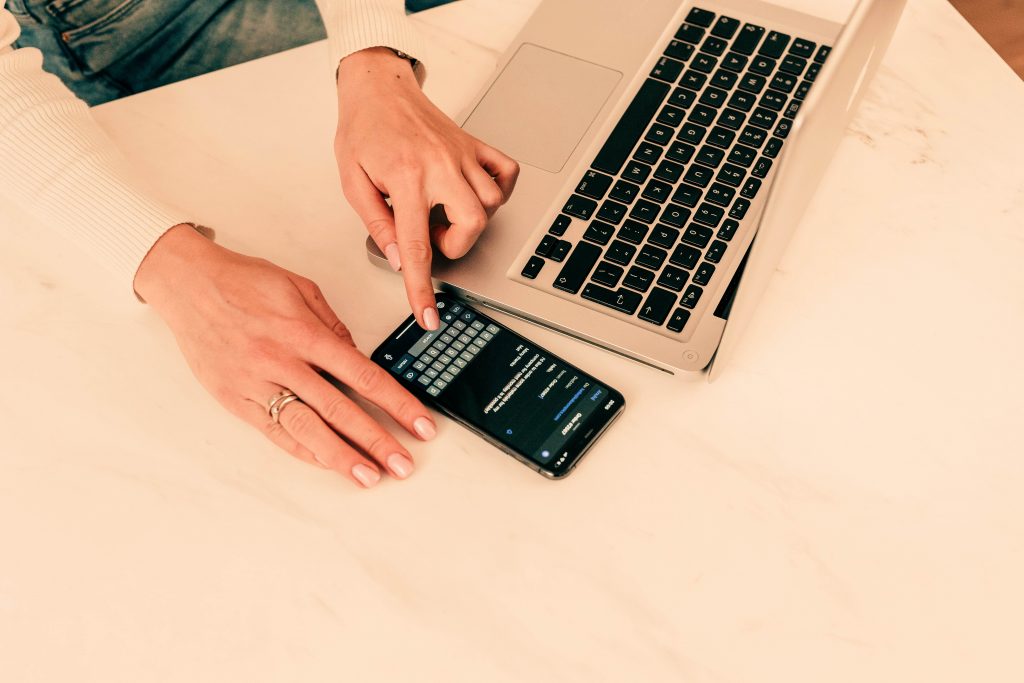
If you don’t have a MiFi device but still need to access the internet on a secondary device from your phone, make sure your phone and data plan allow mobile tethering.
This is generally my go-to backup option when traveling. While I usually work from my lodging or cafés and coworking spaces with public internet, I switch to my phone’s hotspot when those connections are spotty.
Because hotspotting drains my phone’s battery quickly, I usually carry a power bank and a charger with me. Anker is my go-to brand for power banks. I love their laptop power bank for long-haul travel since it can recharge both my laptop and phone multiple times on a single charge, as well as their hybrid power bank that plugs directly into the wall and doubles as a charging block.
If you plan to use your phone as an internet source for work, I highly recommend investing in a quality power bank so you don’t have to worry about your devices dying mid-task.
Fixed Internet: Accommodations & Workspaces
Hotel & Apartment Wi-Fi
When I’m searching for accommodations during my travels, the “free Wi-Fi” filter is nonnegotiable. However, free Wi-Fi doesn’t guarantee a strong or stable connection, especially in more budget-friendly stays.
Some hosts on platforms like Airbnb or Vrbo will post their internet speeds, either with screenshots of speed tests or by listing maximum speeds. Airbnb also labels listings with verified Wi-Fi speeds over 50 Mbps as “fast.” Always check the reviews as well, since guests often mention how reliable the Wi-Fi was during their stay. I’ve filtered out plenty of places after seeing reviews mention frequent dropouts or Wi-Fi that was only suitable for light use.

I also recommend messaging the host or hotel staff directly to ask about internet speeds. I usually explain that I’m a remote worker with regular Zoom calls throughout the week and ask whether their internet connection can support that.
I’ve had a few potential hosts tell me they wouldn’t be able to support that, and I genuinely appreciated the honesty. Other hosts sent photos of speed tests or simply confirmed that their internet was high-speed and suitable for Zoom calls.
While a host’s report can still turn out to be inaccurate, I find it helpful to have a written record of asking in case I need to involve customer support while I’m abroad. Ultimately, you can’t plan for everything, but when choosing accommodations, it helps to cover as many bases as possible.
Coworking Spaces
When I first started digital nomading, I considered investing in a coworking space membership as a way to socialize and get out of my apartment. In practice, though, memberships can be expensive, and options are often limited outside of major cities. If you frequently travel to places with established coworking chains, a membership might make sense. For me, however, the cost of a monthly membership usually outweighs the benefits—especially when I could instead buy daily coffee at a local café with Wi-Fi for the same price.
Where coworking spaces do make sense is in specific situations: if you’re passing through a city and need a reliable place to work for a day, if you’re hosting an in-person meeting, or if you have an especially important call and need to minimize the risk of interruptions. Outside of those scenarios, I’ve found that finding strong internet in my accommodations or relying on a pocket Wi-Fi device is usually the more practical (and cost-effective) option.
Cafés & Public Wi-Fi
If your job requires a high level of digital security beyond simply using a VPN, cafés and public Wi-Fi may not be an option. In that case, a coworking space may provide the added security you need, or you may be limited to using only private, personal connections.
If security requirements aren’t a concern, though, I highly recommend working from cafés and public spaces while abroad. It’s a great way to explore a new area while still getting work done. That said, if your job depends on consistently high speeds, it’s wise to plan ahead and bring a backup connection, as public Wi-Fi can be unpredictable.

When I do use public Wi-Fi, I take a few precautions. First and foremost, I use a VPN. I have a Mega cloud storage account, which includes free access to their VPN, and it’s worked well for my needs. While many free VPNs come with limitations—such as data caps or restricted server locations—they can still be perfectly adequate for intermittent use.
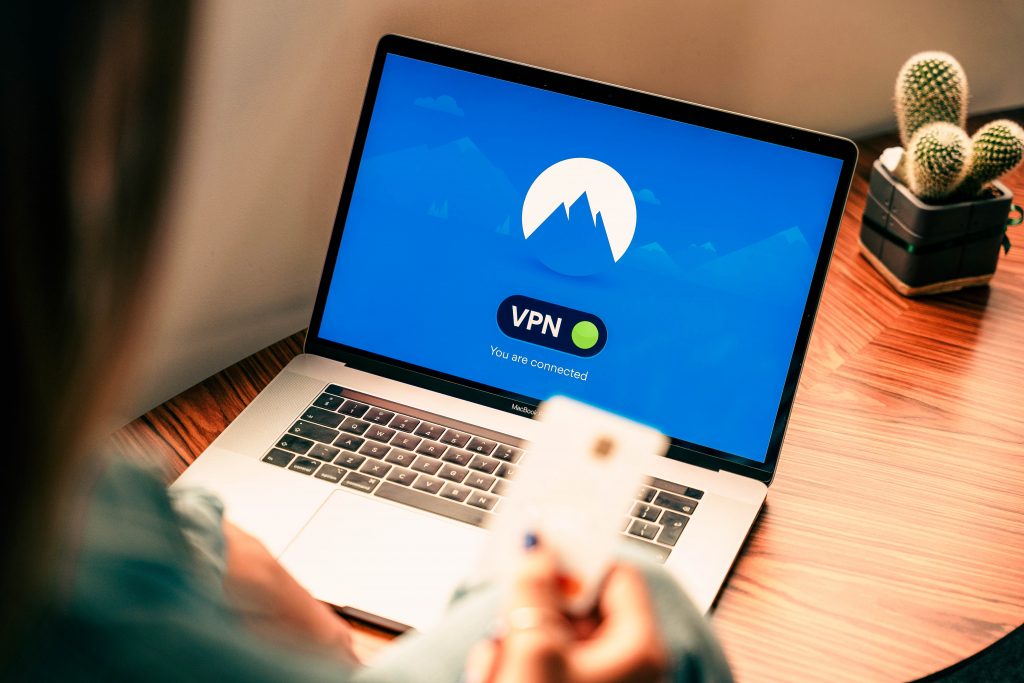
Using a VPN is arguably the most important step when connecting to public Wi-Fi. Additional precautions you can take include forgetting the network once you’re done using it, turning off file sharing, disabling auto-connect, and avoiding access to sensitive accounts (such as banking or PayPal) while on an open network.
If, like me, you work outside your accommodations at least a couple of times a week, investing in a paid VPN is worth considering. Before using Mega, I subscribed to Windscribe.
Their free plan was surprisingly solid (10GB of data per month, access to 10 server locations, and no device limit), and they also offer a build-your-own plan that keeps costs low. I paid about $3 per month for 30GB of data and access to additional servers, which was especially useful since I needed to connect from a specific location. While prices can increase depending on your needs—particularly if you want access to more nearby servers—I found Windscribe to be well-priced and consistently reliable.
Internet Options by Travel Style
So, with all of those options in mind, which do you choose? I’d say it depends heavily on your personal needs and budget. If you use an incredible amount of data and need to be absolutely certain you’ll have secure, high-speed internet access wherever you are, you may need to invest in a pricey, high-end Mi-Fi device and data plan. Assuming that extreme scenario isn’t the case, I’ve broken down what I would do—or have done—in the most common situations.
Short-term traveler (1–2 weeks per country)
Invest in a global data plan, whether that’s through your regular phone provider (such as Verizon or T-Mobile) or eSIM carriers like Airalo or Orbit. Make sure your global data is installed before arrival so you aren’t without internet while navigating a new city.
If you’ll need Wi-Fi in your accommodations, double-check internet speeds with the host before booking.
Slowmad (1–3 months per location)
Your first priority should be having reliable Wi-Fi in your base camp. Message hosts directly, check reviews, and choose a place that explicitly lists Wi-Fi as an amenity.
Second, have a data plan that covers the country where you’ll be staying. If you plan to use local SIMs, have a small global SIM (1 GB is usually sufficient) activated for the interim when you arrive and need to navigate to local SIM vendors.
Third, find a few public spaces or cafés that offer free Wi-Fi. Google Maps reviews or listings will often mention whether a café has free Wi-Fi, though you can always stop by and see for yourself. Invest in a VPN service that fits your security and usage needs.

Constant border-hopper
Use a global SIM plan that covers all of the countries you plan to visit. If you need more reliable coverage than a phone hotspot can provide, consider investing in a Mi-Fi device—especially one that includes a small amount of monthly global data for unexpected use.
Heavy video-call worker
This depends on where you’re traveling, but first, I’d always double-check with my accommodations that the Wi-Fi will be sufficient. Otherwise, an unlimited data plan and/or a Mi-Fi device may be necessary—but always double-check coverage for your destinations before relying on either option.

Budget traveler
Use prepaid eSIM plans limited to the country or region where you’re staying. Shop around online for the best rates—especially for new users—and only buy as much data as you need (10 GB per month has always been plenty for me). Use accommodation and public Wi-Fi options to supplement your mobile data.
Final Thoughts
Working as a digital nomad requires careful planning so I can be confident I’ll be able to work while traveling the world. Since I tend to stay in one place for one to three months at a time, finding accommodations with strong internet access is a top priority.
Second, I use a global eSIM plan with enough monthly data to match my needs (I typically use 3–5 GB per month, so I purchase 10 GB plans to ensure I don’t run out).
Lastly, my work often allows me to operate asynchronously, so when I don’t need to worry about communicating with clients over Zoom, I work from cafés, libraries, or other public spaces for a change of scenery. If the Wi-Fi at those locations isn’t working or isn’t available, I switch to my phone’s hotspot, using a power bank if needed to keep my phone from dying.
Ultimately, internet coverage today is vast and nearly worldwide, and unless you’re staying in a remote mountain village, chances are high that you’ll be able to work remotely wherever you are.
Even so, there may be unexpected problems—such as outages or misleading apartment listings. Having backup plans and multiple coverage options can help mitigate those risks. While nothing will ever completely eliminate risk, I hope this guide has given you the information you need to make informed decisions about your travels and provide some peace of mind.