5 Productivity Tips for Digital Nomads
Part of being a digital nomad means working in a revolving door of cities and locations. My workload and schedule change from week to week. With the constant flux of environments and tasks, it’s important for me to have some routine and stability in place to stay on task, especially when I’d rather be exploring the castles of Bucharest or having a picnic in the Champ de Mars.
The following are the key tips and strategies I use to get my work done—and done well—so that once I’m off the clock, I’m free to keep adventuring.
1. To-Do List
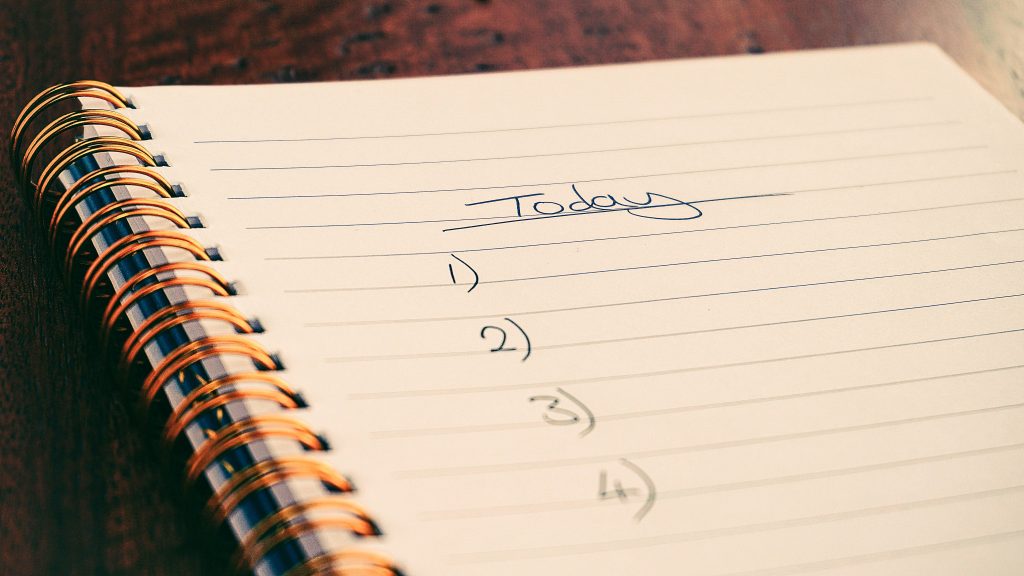
Every morning, before I truly start my day, I write out a to-do list. First, I write down every possible thing that needs to get done, including personal tasks like booking flights or calling the phone company. I also note deadlines when applicable.
This list functions more as a reminder list than a true “to-do” list. I usually don’t expect to finish every task, and the next day I transfer over whatever I didn’t complete.
If there’s anything that has to be done that day or is otherwise a priority, I mark it with a star.
My to-do list is a physical one written in my agenda, which makes it easy to carry over outstanding tasks to the next day. I know there are also “to-do list” apps that probably work well, but seeing tasks written out helps me remember them and gives me a tangible record of what I’ve done and what I still need to do.
Why it works: As an organizational tool, an ongoing to-do list I write every morning helps me plan out my workday and set realistic expectations. If I need to figure out a schedule for the day, having all my tasks listed out makes it easy to slot work into the pockets of time I have available. It’s also helpful to have a consistent starting ritual, especially when I’m working on the go, to ground myself in something familiar and stay on task.
2. Public Workspaces

When I arrive in a new city, the first thing I do is spend some time exploring the streets, and I tend to stumble across places that I write down in a notebook or save on Google Maps to try later. One thing I look for is laptop-friendly places like cafés or casual restaurants where I can work when I need a change of scenery from my apartment.
I usually try to keep finding new places throughout my time in a city, but it’s always nice to have a few options from the start.
My litmus test for a place is checking—either in person or online—whether people are working on laptops and whether there’s free Wi-Fi. Sometimes a café’s official website will say they’re laptop-friendly. More often, though, I search reviews on Google Maps for keywords like “Wi-Fi,” “work,” or “laptop.” People will either mention that they go there to work, or photos will show people working on laptops.
Why it works: The monotony of working only from a home office can stifle my productivity. Plus, I find that working in a public space helps me stay on task. First, because I’m not distracting myself with TV or household tasks like laundry or dishes. Second, being surrounded by other people working compels me to actually work, too (it’s a strategy called “body doubling”).
3. Time Zone Tracking
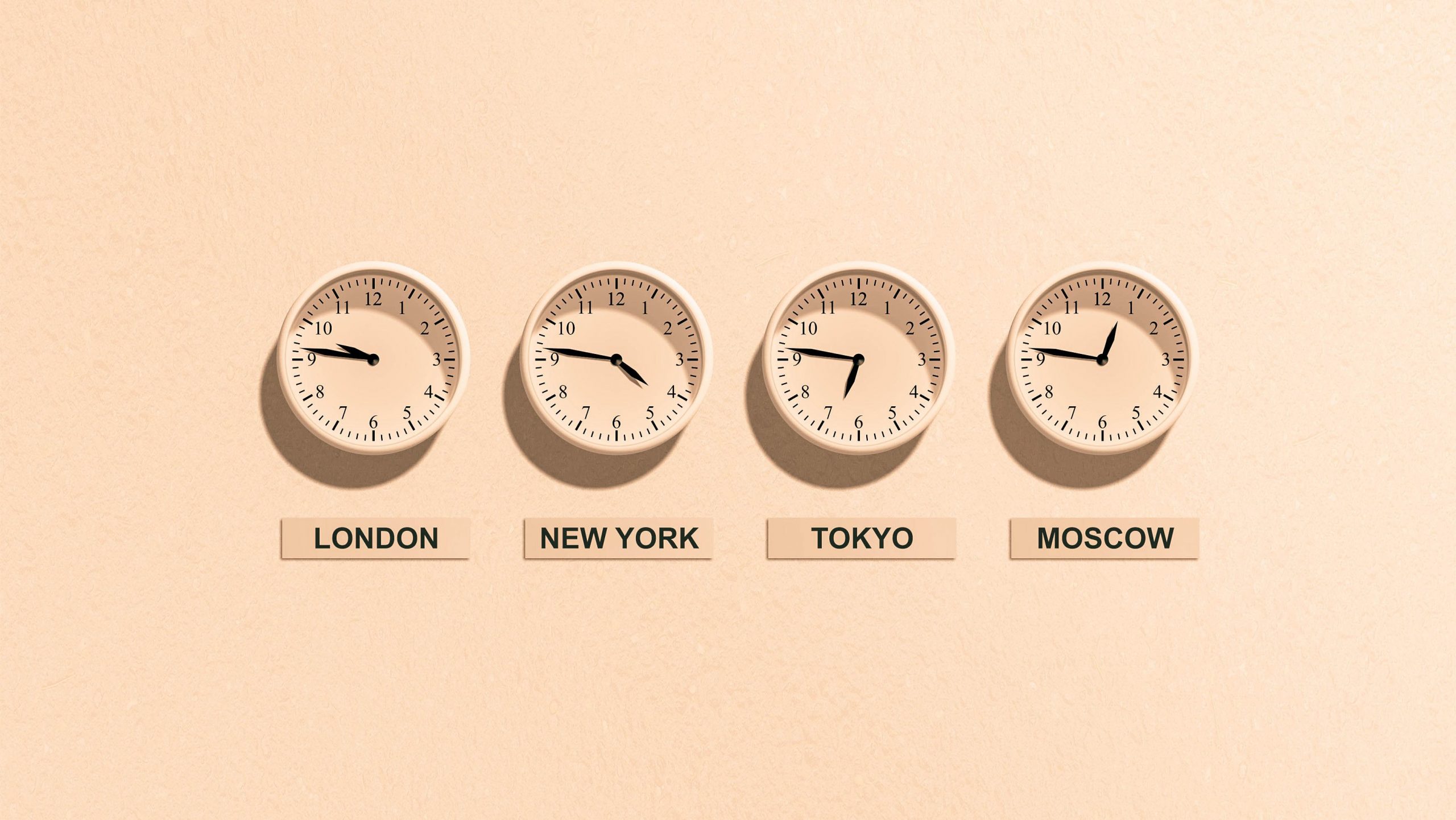
Most of my clients operate on Eastern Time, and since I move between time zones frequently, I needed a system to keep track. What works for me is keeping my laptop on Eastern Time instead of updating it to match wherever I’m living. My phone and other devices update automatically, so I don’t have to worry about tracking Daylight Saving Time or traveling across time zones. Instead, I track my workday on my laptop, and I save meetings in a calendar that syncs across both my phone and laptop. When I write meetings into my daily to-do list, I include the time in both Eastern Time and my local time zone.
Why it works: It would be far too easy to miss a meeting by an hour because I got the time difference wrong. Keeping track of both my time and my clients’ time helps me stay organized so I don’t make mistakes in my schedule.
4. Paper Planner
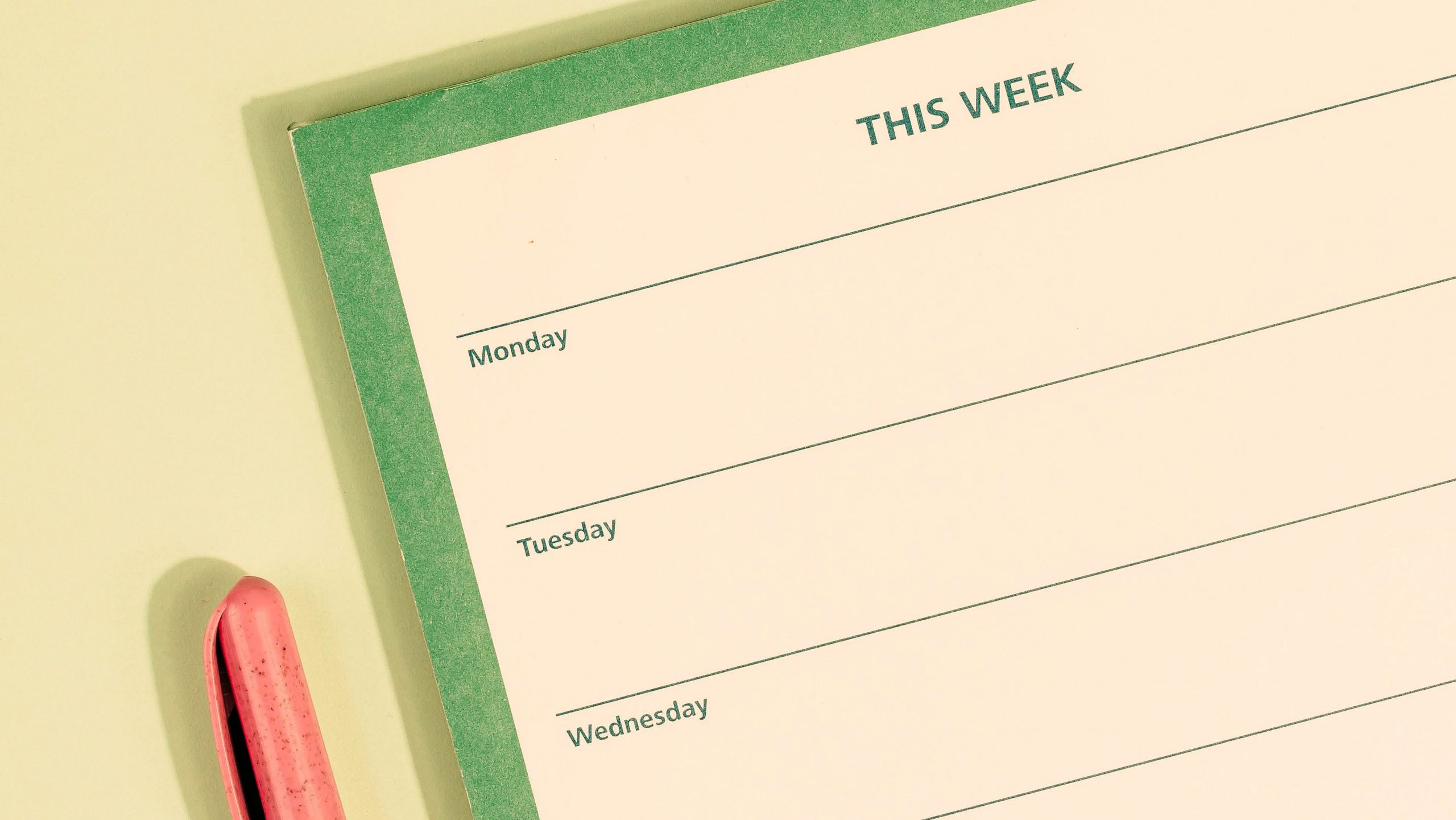
Similar to my daily to-do list, part of my work routine involves keeping a planner with me to stay organized. Since my job is fully online, I could easily use a digital planning tool or app and be perfectly fine. But as I’ve said, having something tangible helps me focus and better see what needs to be done. That’s why I sacrifice precious suitcase space to carry one with me everywhere I go.
Why it works: This might not work for everyone, but having physical tools to stay organized is hugely important for me as a fully remote worker. I recommend trying it to see if it works for you.
5. Wi-Fi Backups
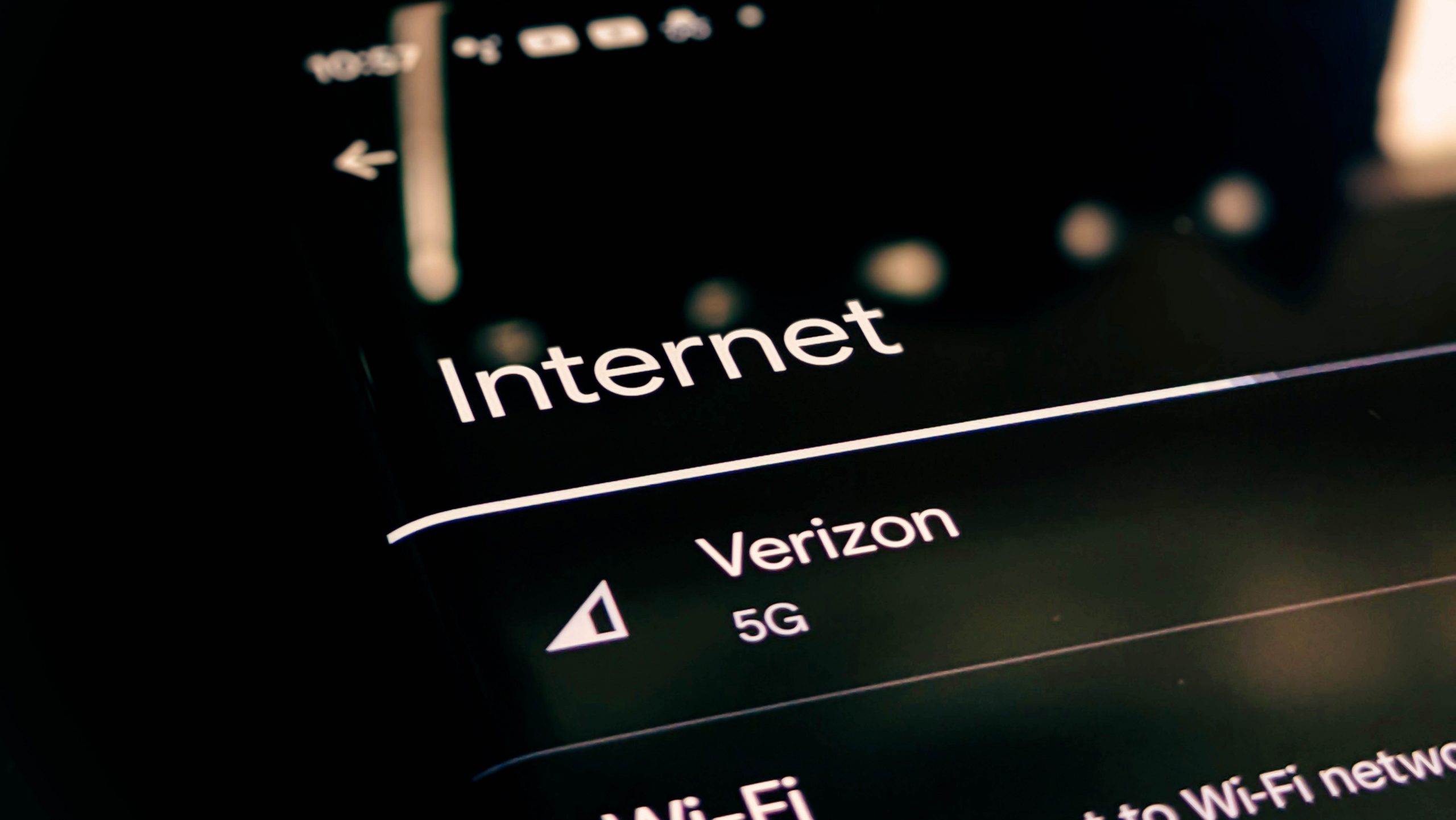
Since I do most of my work from wherever I’m staying, having a reliable internet connection is crucial. While I research extensively to make sure the places I book have a strong enough internet connection for work, outages still happen, and sometimes the café I’m working from doesn’t have reliable Wi-Fi. That’s why I always make sure to have a backup option in case of outages. Specifically, I have a mobile hotspot I can use through my data plan from Orbit. Their plans are relatively affordable and, in my experience, reliable both for casual use and as a backup Wi-Fi source.
Why it works: I rely on the internet to do my job, so it becomes a major source of stress if I’m not able to get online easily. Having backup ways to connect not only helps solve an internet problem if one occurs, but also gives me peace of mind about the possibility of one happening at all.
Final Thoughts
When I first started out as a full-time digital nomad, there was definitely a steep learning curve. Finding ways to stay productive in new and constantly changing environments was one of my biggest challenges. I’m sure the journey looks different for everyone, especially since the jobs that allow for digital nomading are so varied, but I hope sharing some of the lessons I’ve learned will be helpful to anyone else who wants to try it for themselves.